What are the top 10 MacOS 27 Features Worth Knowing About?
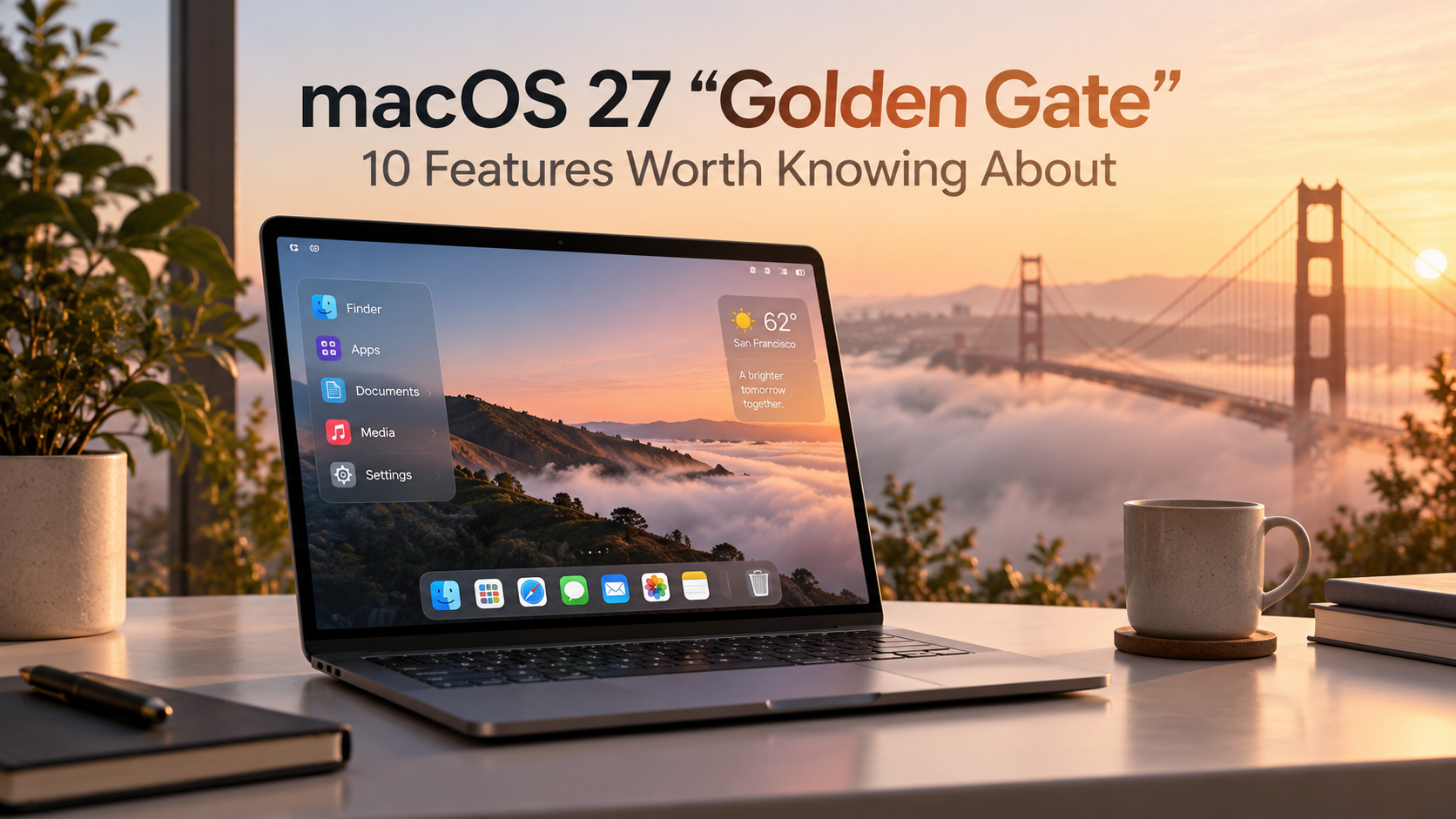
macOS 27 Is a clean-up of last year's Tahoe release (macOS 26), built around a redesigned Siri AI. Here's what matters most for your everyday Mac use.
1. Siri AI, Completely Rebuilt
Siri now has its own dedicated app (built with Google's Gemini model) alongside deep system-wide integration. It works much like a chatbot — keeping chat history, supporting search, and letting you pin important conversations.
2. Siri Lives Inside Spotlight
Press ⌘-Space and you'll see a new “Search or Ask” bar. The same window now handles both plain file/app search and full AI conversations — no more choosing between two tools.
3. Apple Silicon Only (M chip)
macOS 27 drops support for Intel-based Macs and Rosetta 2. If you're still on an Intel Mac, this is the last stop — a new Intel-App Checker in System Settings helps you find software that needs replacing first.
4. Refreshed Liquid Glass Design
The Red/Yellow/Green buttons get a classic Aqua-style glass redesign, window borders are consistent across all apps again, and the menu bar and widgets are refined and customizable.
5. Natural-Language Calendar Events
You can add or edit calendar events just by describing them in plain English. If you want to turn a lunch meeting into a coffee chat? Just edit the description — Calendar updates the details for you.
6. System-Wide Live Captions
Automatic, synced subtitles now work for any video you're watching, anywhere on the Mac — and you have the ability to translate existing captions into other languages.
7. Smarter VoiceOver
Accessibility gets a boost with richer, more accurate image descriptions and a better understanding of what's on your screen.
8. Automatic Password Clean-Up
When Siri AI flags a compromised or weak password in the Password App, it can now replace it with a strong one for you — no more manually hunting down and updating logins. (This feature will roll out in a point update, not certain of it’s arrival date)
9. Better Mail Search
Finally! A better reworked search in Mail gives a better-organized view of results — good news if you've ever relied on search instead of tidying your inbox.
10. Sharper Displays — and Cleanup Ahead
Ultrawide monitor owners can now get higher resolutions, such as 5K at 120Hz. Also note: Apple is phasing out built-in DVD playback, so this is likely the last macOS version to include it natively.