The Coffee Shop Trap: Why Public Wi-Fi Is Riskier Than You Think
It’s one of the great conveniences of modern life — settle into your favorite café, open your laptop, and get to work. Free Wi-Fi, good coffee, and a few productive hours. What’s not to love?
Quite a bit, actually. Public Wi-Fi networks are one of the easiest hunting grounds for cybercriminals, and most people using them have no idea how exposed they are.

What’s Actually Happening on That Network
When you connect to a public Wi-Fi network — at a coffee shop, hotel, airport, or restaurant — you’re sharing that network with every other person in the building. Unlike your home network, which you control, public networks offer little to no protection between users. Anyone with basic hacking tools and the motivation to use them can potentially intercept the data traveling between your device and the internet.
This technique, called a “man-in-the-middle” attack, allows bad actors to capture login credentials, read unencrypted messages, and monitor what sites you’re visiting — all without you ever knowing. Even more concerning is the “evil twin” attack, where a criminal sets up a fake Wi-Fi network with a convincing name like “Starbucks_Guest” to trick you into connecting to their hotspot instead of the real one.
What’s at Risk
The consequences range from mildly annoying to genuinely devastating. On the low end, attackers can track your browsing habits and harvest data for targeted advertising. On the high end, they can capture banking credentials, access business email accounts, or intercept sensitive client information. For business owners and professionals, the liability of a breach that originates from a public network can be significant.
How to Protect Yourself
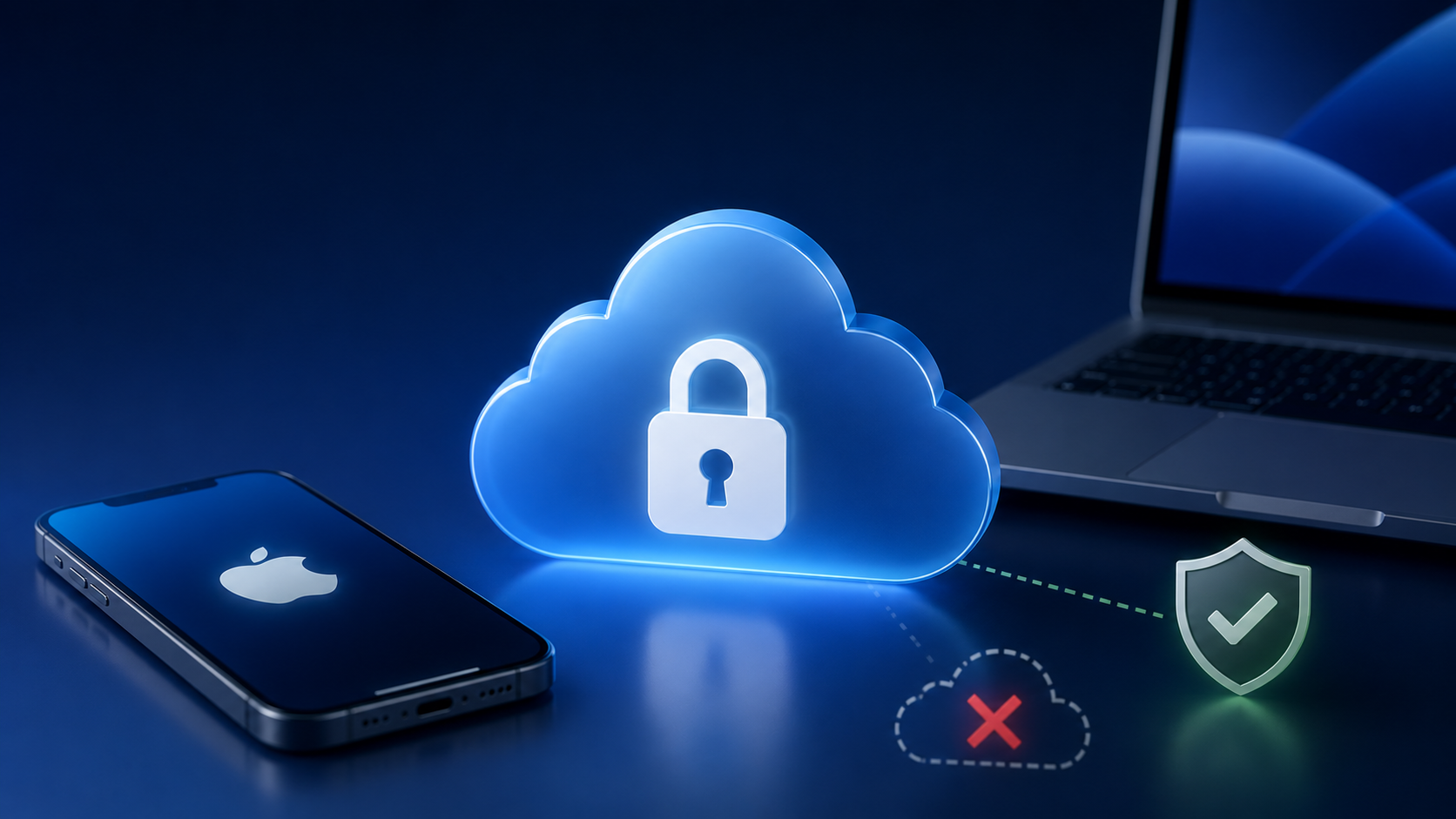
The most effective tool is a VPN — a Virtual Private Network — which encrypts your internet traffic so that even if someone intercepts it, they can’t read it. Apple devices make VPN setup relatively straightforward, and there are solid, reputable options available for individuals and small businesses alike.
Beyond a VPN, a few habits go a long way: avoid accessing banking or sensitive accounts on public Wi-Fi, make sure the sites you visit use HTTPS, turn off automatic Wi-Fi connection on your iPhone and Mac, and when in doubt, use your iPhone’s personal hotspot instead. It’s slower, but it’s yours — and that matters.
The Bottom Line
Public Wi-Fi is a convenience, not a right — and it comes with real strings attached. A few simple precautions can make an enormous difference between a productive afternoon and a very bad week.
Want to Work Safely From Anywhere? MacMentor Can Help.
Setting up a VPN, configuring your Mac and iPhone for safer public network use, and understanding your actual exposure takes a little know-how. At The MacMentor, we help individuals and small businesses build practical, easy-to-maintain security habits that fit real life. Visit us at TheMacMentor.com or stop by our Highland Park location to get started.