Before You Sell That iPhone: What Happens to Your Data When You Trade In a Device
Upgrading to a new iPhone or Mac is exciting. Handing over the old one — whether to Apple, a reseller, or a friend — is something most people do without a second thought. A quick factory reset, and it’s gone, right?
Not necessarily. And for anyone who has used that device for banking, business, personal communication, or storing sensitive files, “not necessarily” is a phrase worth taking seriously.

The Myth of the Factory Reset
A factory reset wipes the visible layer of your data — your photos, contacts, apps, and settings disappear from the screen. But on many devices, especially older ones, that data isn’t truly gone. It’s simply marked as available space, meaning it can potentially be recovered with the right software until something new is written over it. Forensic data recovery tools that were once available only to law enforcement are now widely accessible, and a motivated person with a recovered device and a grudge — or a profit motive — can sometimes retrieve far more than you’d expect.
What Apple’s Process Actually Does
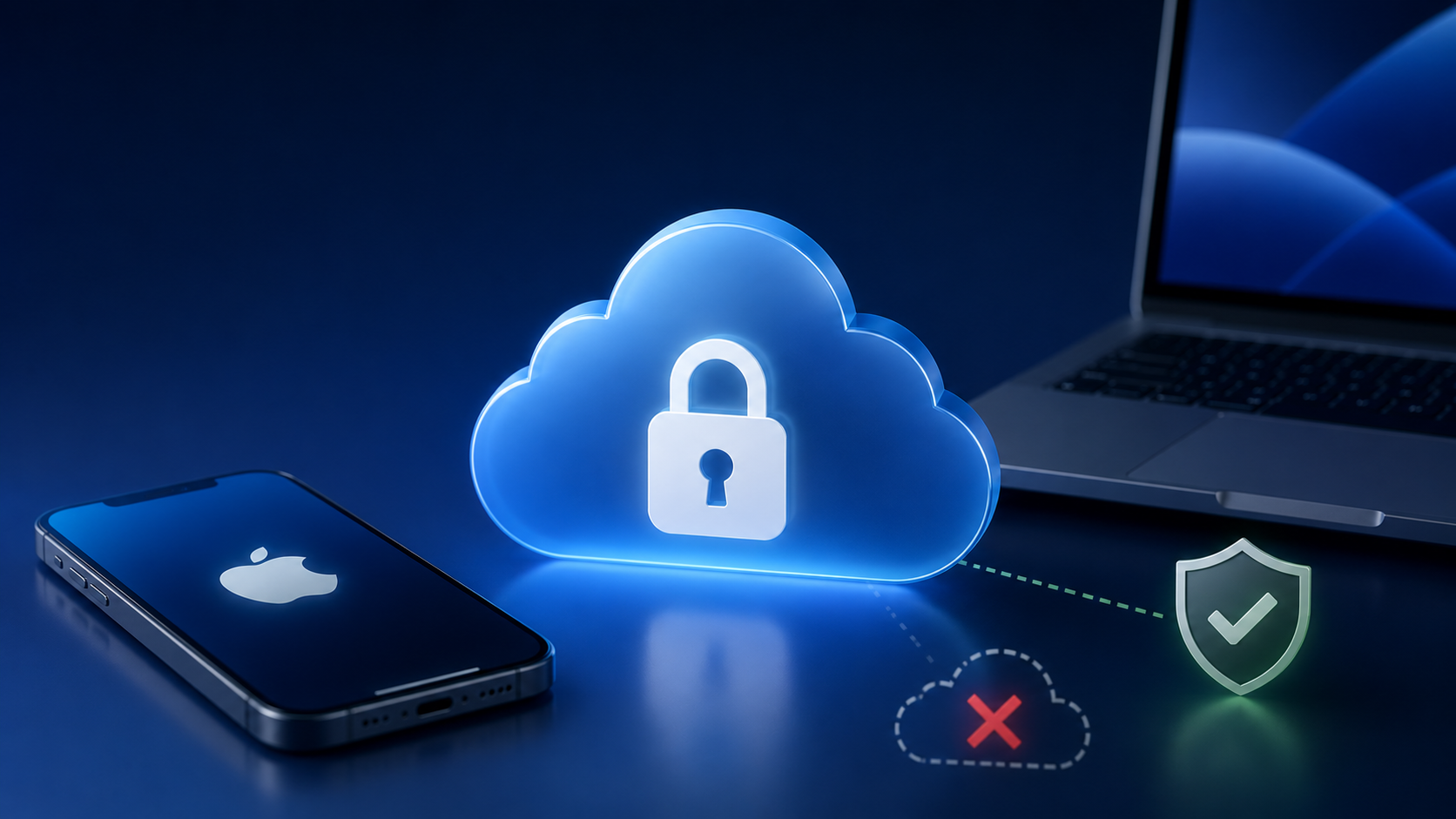
To Apple’s credit, modern iPhones with their Secure Enclave architecture handle this better than most. When you erase an iPhone running a recent version of iOS, the encryption keys are destroyed, making the data cryptographically unreadable even if the underlying bits remain. For most people trading in to Apple directly, the risk is genuinely low — provided the erasure is done correctly.
The danger zone is everywhere else: selling on Craigslist or Facebook Marketplace, trading in through a third-party retailer, donating to a school or charity, or passing a device to a family member without fully understanding what “erase” actually means in each context.
The Right Way to Do It
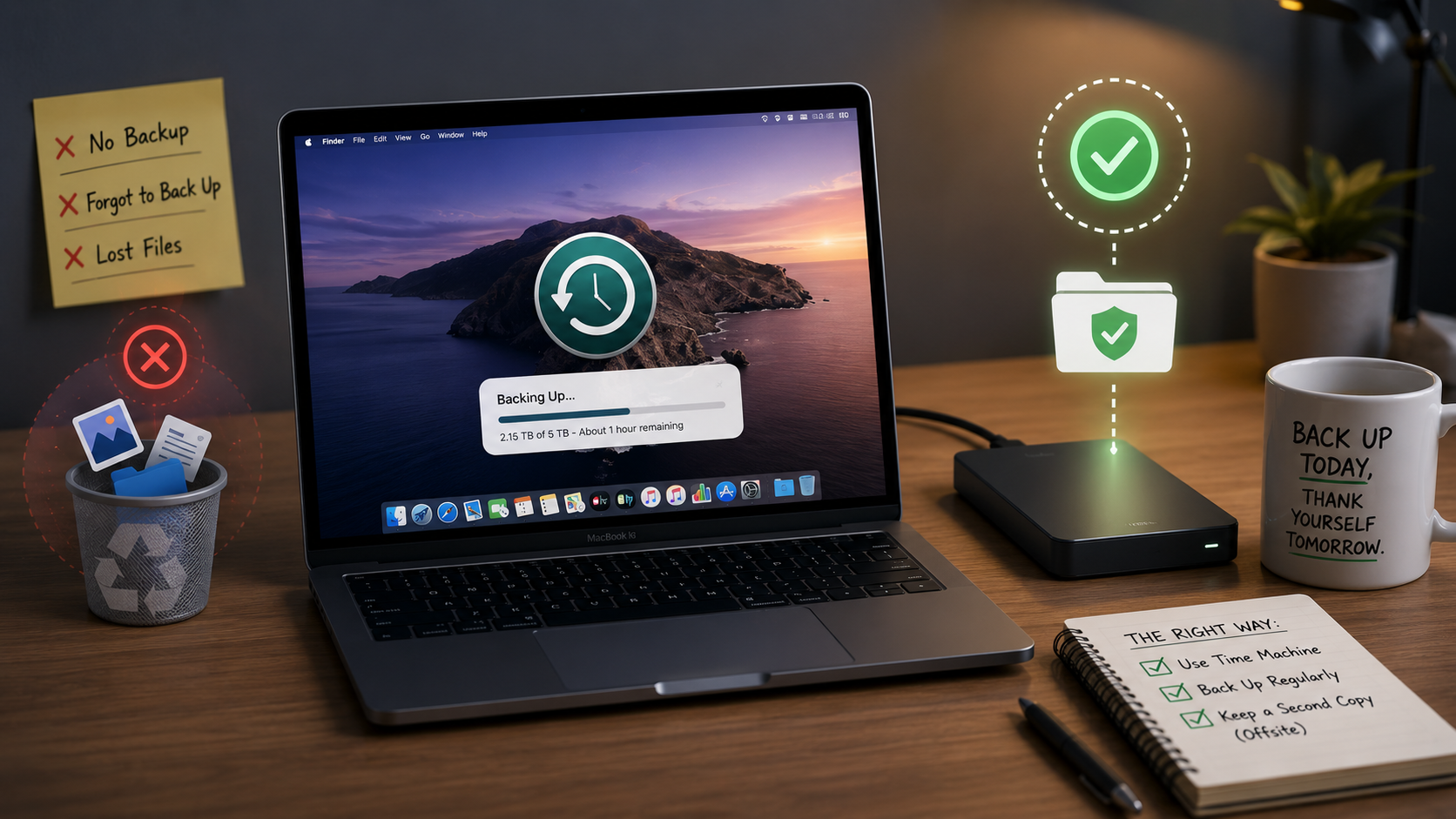
Before handing off any Apple device, the process should go in this order: sign out of iCloud and disable Find My, unpair any connected devices like Apple Watch, perform a full erase through Settings, and verify the device is no longer associated with your Apple ID. For Macs, this means signing out of all Apple services, using Disk Utility to erase the drive with the right security options, and reinstalling macOS clean.
It sounds straightforward, but it’s surprisingly easy to miss a step — and one missed step can leave more behind than you realize.
The Bottom Line
Your old devices carry years of your digital life. Taking thirty minutes to wipe them properly before they leave your hands is one of the highest-return security habits you can build. The alternative — discovering months later that someone has access to your old email or banking app — isn’t worth the time saved.
Upgrading Soon? Let MacMentor Handle the Handoff.
At The MacMentor, we walk clients through the full device transition process — making sure old devices are properly and completely wiped before they go anywhere, and that new devices are set up securely from day one. It’s one of the most common things we help with, and one of the most important. Reach out at TheMacMentor.com or visit our Highland Park location before your next upgrade.