iCloud Security: What’s Actually Protected & What Isn’t
For most Apple users, iCloud is the invisible infrastructure of daily life. Photos, contacts, messages, documents, passwords — it all lives there, syncing seamlessly across every device. It feels secure because Apple says it is. And in many ways, it genuinely is. But “secure” is a spectrum, and understanding where iCloud sits on that spectrum — and where the gaps are — matters more than most people realize.
What iCloud Actually Protects
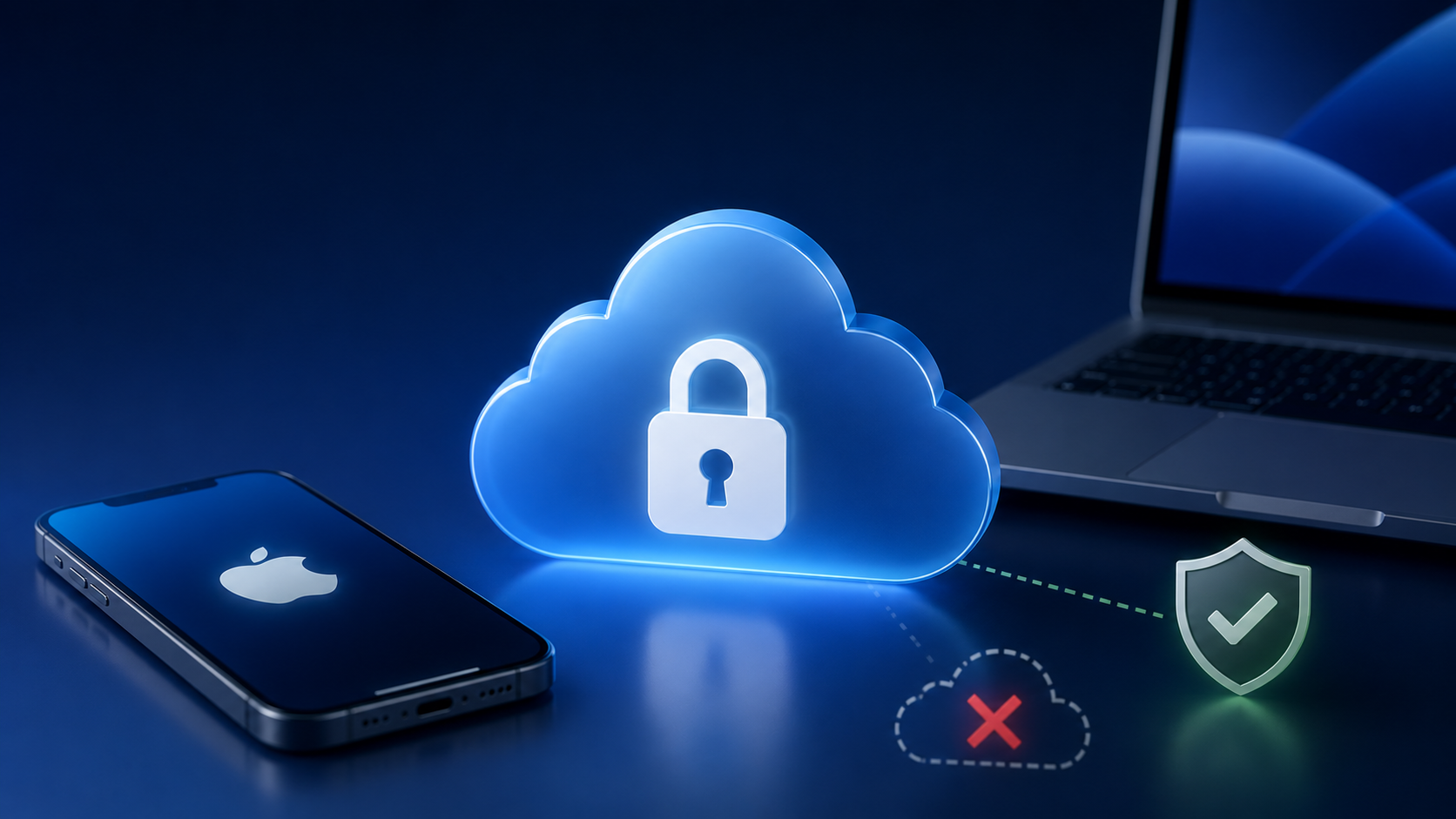
Apple uses end-to-end encryption for a growing list of iCloud data categories, meaning only you — on your trusted devices — can read it. Nobody else, including Apple, can access it. This includes iCloud Keychain (your saved passwords), Health data, payment information, and with Advanced Data Protection enabled, most of the rest of your iCloud data including backups, photos, and notes.
That last part is important: Advanced Data Protection is not on by default. You have to turn it on. Most people never do, which means their iCloud backups — which can contain an enormous amount of personal information — are encrypted, but in a way that Apple can access if legally compelled to do so.
Where the Gaps Are
Even with strong encryption, iCloud security is only as strong as your Apple ID. If someone gains access to your Apple ID — through a phished password, a compromised email account used for recovery, or a weak security question — they have access to everything iCloud holds. No amount of encryption protects you from someone who has legitimately authenticated as you.
Two-factor authentication on your Apple ID is non-negotiable. Without it, your account is far more vulnerable than it needs to be. And yet a surprising number of people still haven’t enabled it, or have set it up in ways that undermine its effectiveness — like using an SMS code sent to a phone number that isn’t well protected.
iCloud Is Not a Backup Strategy
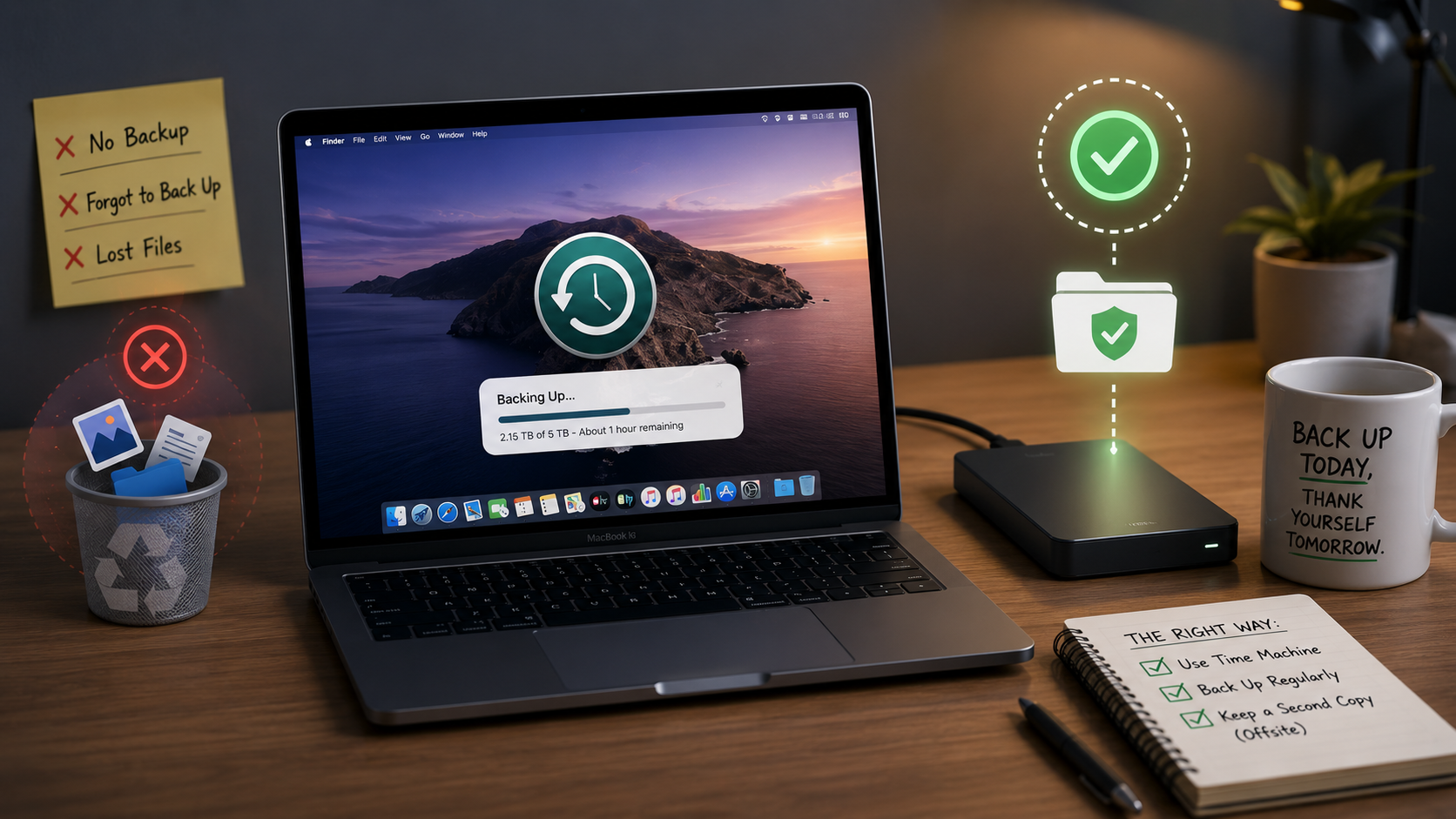
Another common misconception: iCloud sync is not the same as a backup. If you delete a file, it deletes everywhere. If your account is compromised and someone wipes your data, it’s gone from every device simultaneously. A true backup strategy includes a local copy — Time Machine on an external drive, for example — that exists independently of iCloud and can’t be touched remotely.
The Bottom Line
iCloud is a genuinely impressive security system, and Apple has made meaningful strides in expanding what it protects. But it requires active configuration to reach its potential, and it operates within limits that every user should understand. Turning on Advanced Data Protection, locking down your Apple ID with strong two-factor authentication, and maintaining a local backup are three steps that together make an enormous difference.
Not Sure If Your iCloud Is Configured Correctly? Ask MacMentor.
Most people assume their iCloud setup is fine because nothing has gone wrong yet. At The MacMentor, we do a thorough review of Apple ID security, iCloud settings, and backup strategy for clients who want to know they’re actually protected — not just probably protected. Stop by our Highland Park location or visit TheMacMentor.com to schedule a security checkup.