The MacMentor News &Tips

By Geoff Horwitz June 12, 2026
Learn why public Wi-Fi in coffee shops can put your data at risk, the common security threats involved, and how to stay protected online.
By Geoff Horwitz June 12, 2026
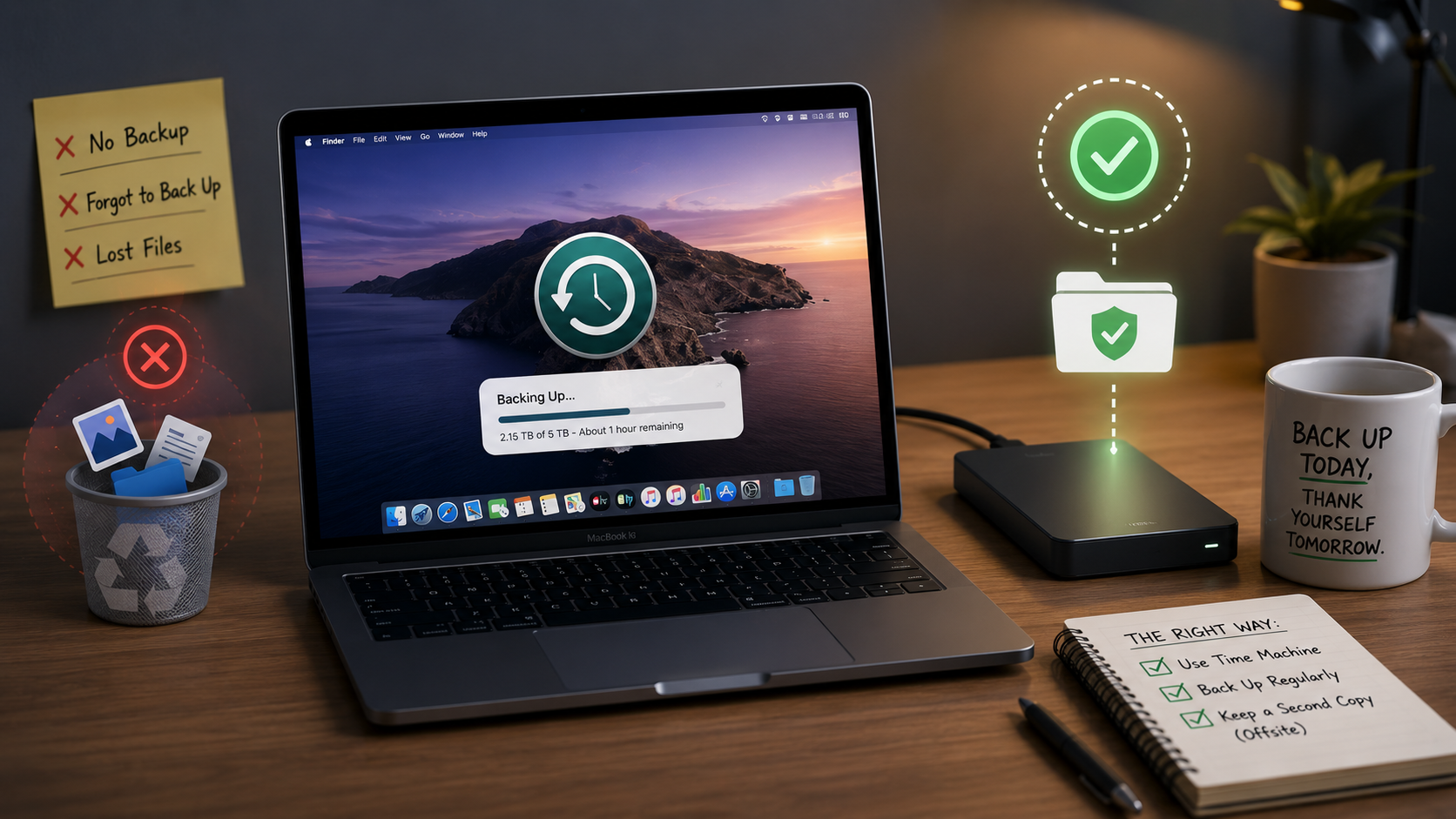
Learn the correct way to back up your Mac, common mistakes users make, and how to ensure your files stay safe and recoverable.
By Geoff Horwitz June 12, 2026
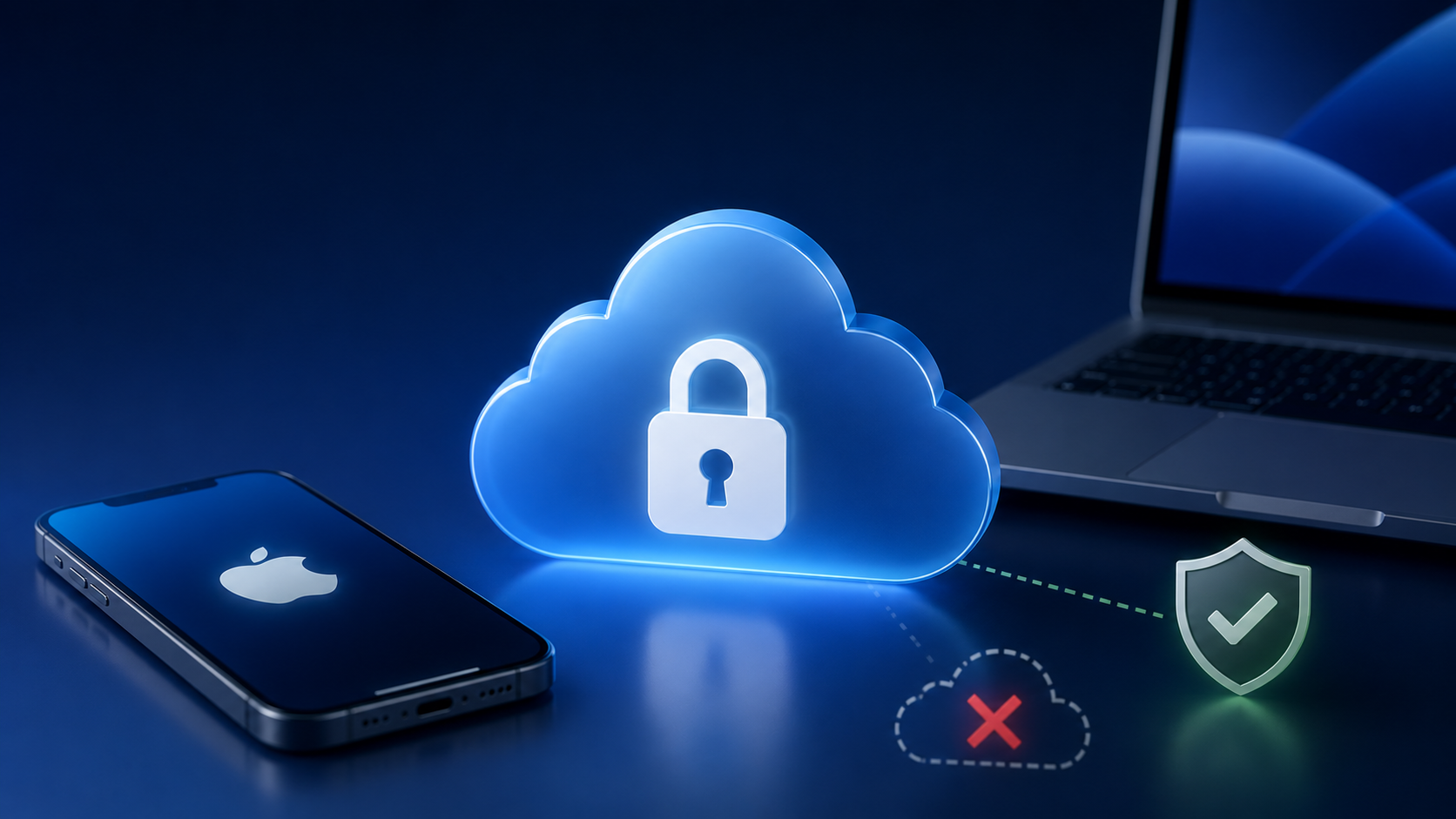
Learn what iCloud security actually protects, which data is encrypted, and where your information may still be vulnerable if you're not careful.
Before You Sell That iPhonevice
By Geoff Horwitz June 12, 2026
Trading in your iPhone? Learn what happens to your personal data, how devices are wiped, and the steps to take before handing it over.
Battery Health
By Geoff Horwitz June 12, 2026
Learn what your battery health percentage really means, what affects battery aging, and practical tips to help extend your device's battery life.
Mac
By Geoff Horwitz June 12, 2026
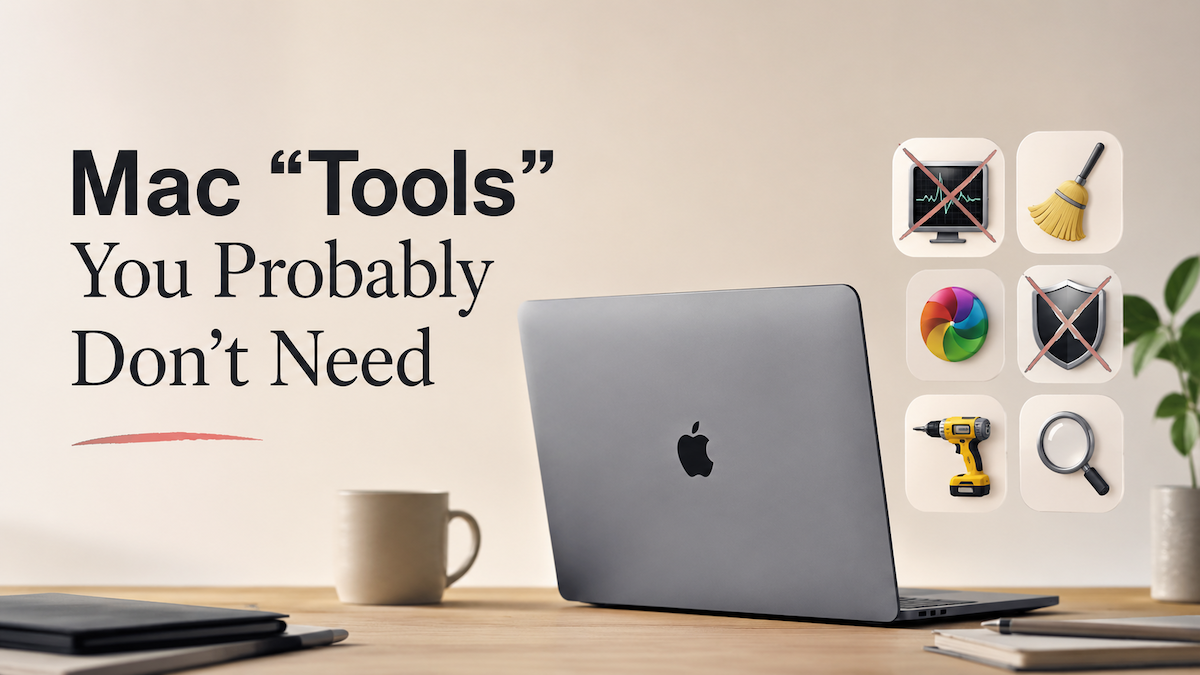
Think your Mac needs every built-in utility? Discover which Mac tools most users can safely ignore and when they might actually be useful.
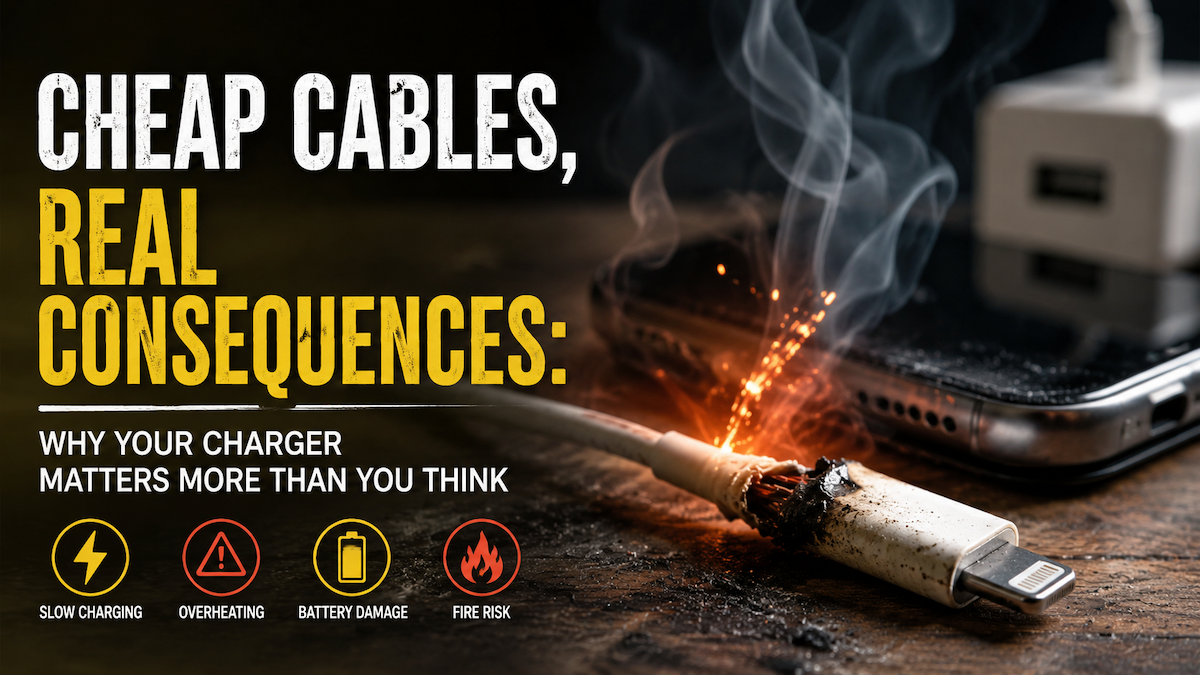
Why Your Charger Matters More Than You Think
By Geoff Horwitz June 5, 2026
Cheap chargers can quietly damage your iPhone, iPad, or MacBook battery and even create safety risks. Find out what to use instead.

Ten Mac Essentials for new Mac users
By Geoff Horwitz April 20, 2023
Looking to optimize your new Mac experience? Check out our guide to the top 10 essential for new users. Boost your productivity and media experience with ease
Why iPhone’s Don’t Need Anti-Virus Software
By Geoff Horwitz February 9, 2023
One of the most frequent questions I get asked is, do I need to download an Anti-Virus app for my iPhone? If so which one and why? The answer 99.9 percent of the time is no, you do not need an anti-virus app for your iPhone or iPad. The .1 percentage of the time you would need it is if you decided to “jail break” your iPhone, meaning, download a third party’s version of iOS. Apple has designed iOS with security first and foremost in importance. Many companies do offer “security” apps for your iPhone/iPad, these apps do NOT help with viruses.
By Geoff Horwitz January 3, 2023
Passwords are the bane of our online existence. We struggle with creating passwords, storing them and updating them.😱 It is suggested to create unique passwords for each system we login to, then our information gets hacked and sold and we need to change passwords for one or more systems.😱😱 For everyone who has ever logged into a website or app and forgotten the password, then had to jump through hoops to reset it, then had to enter it in the unprotected spreadsheet (or what ever insecure location you store your passwords), get excited, because pretty soon, passwords will be a thing of the past, thanks to Passkeys. Passkeys are new to consumers and will enable a fully password-less experience! Passwords are typically not secure, prone to very frustrating security policies (character length, special characters etc.) and vulnerable to phishing attacks. Passkeys are the standards-based solution to the password problem that is rolling out to modern browsers, phones and tablets. Passkeys can reduce the risks of your account being compromised because it removes passwords. The way they work is thru multi-factor authentication; those factors include, Something you know: The passkey to your iPhone/iPad. Something you have: an authenticator embedded in your iPhone/iPad. Something you are: Your fingerprint or your face. Passkeys are not reused across sites like passwords can be (and all to often are!), so the risk of stolen credentials affecting other accounts is far less. In the Apple world Passkeys rely on iCloud Keychain (your iPhone/iPad must be at iOS 16, and your Mac must be at macOS Ventura) which in turn requires two-factor authentication for further protection. Passkeys will sync across all of a user's devices through ‌iCloud‌ Keychain, which is end-to-end encrypted with its own cryptographic keys. Passkey synchronization across accounts provides redundancy in case an Apple device is lost, but should all of a person's Apple devices become lost and the passkeys along with them, Apple has implemented an iCloud Keychain escrow function to recover passkey information. There is a multi-step authentication process to go through to recover an ‌iCloud‌ Keychain with passkeys, or users can set up an account recovery contact. Passkeys, when put to use, will be as simple as using ‌Touch ID‌ or ‌Face ID‌ to create a passkey to go along with a login. Apple is currently working with members of the FIDO Alliance (FIDO is short for Fast IDentity On Line), including Google and Microsoft, to ensure that passkeys can also be used with non-Apple devices and across platforms. On non-Apple devices, Passkeys will work through QR codes that will authenticate using the ‌iPhone‌, but it will require support from other companies, so it's a standard that needs to be adopted across the tech world. Apple says that transitioning away from passwords is going to take some time, but it is working with developers to create a password less future.