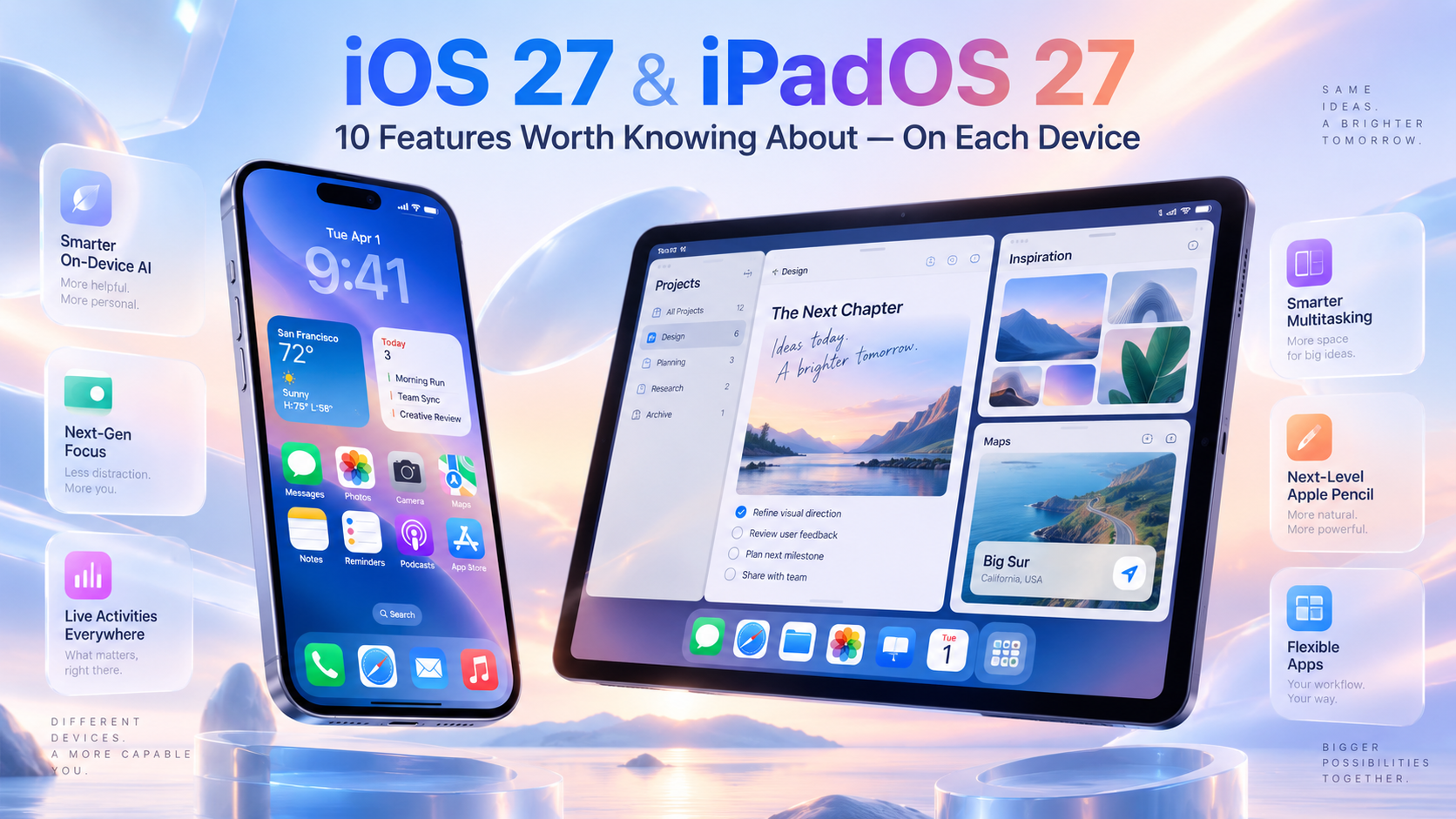
What are the top 10 iOS 27 & iPadOS 27 Features Worth Knowing About?
iOS 27 and iPadOS 27 share a redesigned Siri AI, it will be very interesting to see how it measures up to the existing chat bots of the digital word. There are also Liquid Glass refinements, but each OS has its own set of changes. Here's what The MacMentor thinks will matter most for your devices.
iPhone — iOS 27
1. Siri AI, All new and completely rebuilt
Siri gets context-aware reasoning and a true conversational chatbot experience, with Writing Tools that now work system-wide — draft an email from scratch, shorten a message, or change its tone, right from where you're typing.
2. Big Speed Boost
According to our “friends” at Apple, your app will launch up to 30% faster, Photos should load new images up to 70% faster, and AirDrop transfer rates are up to 80% faster — This should be noticeable even on older iPhones that support iOS 27.
3. iPhone Handoff
A rather limited use feature, which allows the switching between two iPhones while keeping the same phone number active on each — handy for anyone juggling a personal and backup device.
4. Passwords that can fix themselves
For those of you that use the Passwords app, it now flags a weak, reused, or compromised password, and can now visit the site, change the password, and save the new one for you automatically.
5. Smarter Photos Editing
New tools include Spatial Reframing (virtually change the camera angle after the fact), Extend (fill in beyond a photo's original edges), and an improved Clean Up for removing unwanted objects.
6. Call Context
This is a sweet new feature, that, during calls to supported businesses, relevant info — like a reservation number — surfaces automatically. Birthday reminders can also appear when you call a contact whose birthday you have saved.
7. Expanded Parental Controls
Parents can now approve new websites with “Ask to Browse,” set app-specific time schedules, manage daily allowances, and extend Communication Safety protections to violent or graphic images and videos, a welcome new feature.
8. Liquid Glass, Your Way
A new slider in Settings lets you adjust the Liquid Glass look from fully clear to fully tinted, along with refined app icons throughout the system.
9. Safari Tab Groups, Automatically
Safari now groups your open tabs by topic on its own, making it easier to keep research, shopping, and everyday browsing separated without manual folders.
10. FaceTime Dual Capture
Use your iPhone's front and rear cameras at the same time during a FaceTime call — great for showing both yourself and what you're looking at.
For your iPad — iPadOS 27
1. Siri AI in Its Own Window
Siri can now run in a floating window or Slide Over, so you can ask questions or dictate tasks without ever leaving what you're working on — and it keeps a history of past conversations.
2. A Real Menu Bar
Finally, iPadOS “borrows” macOS's persistent menu bar for quick access to app commands. A new toggle lets you keep it always visible instead of it auto-hiding.
3. Faster, Smoother Multitasking
Closing, switching, and dragging windows is noticeably quicker, and Apple has expanded its faster CPU scheduler to every iPad that supports iPadOS 27.
4. Rebuilt Search Foundation
Spotlight, Mail, Photos, and other apps now use on a more complete, continuously updated index — Mail search specifically now ranks up to five Top Results instead of just listing by date.
5. Resizable iPhone Apps
In the “It’s about time” category, Apps originally built only for iPhone can now be resized into larger windows on iPad, so you can see more content instead of being stuck with a tiny, centered app.
6. Desktop-Class Files App
The Files app adds a customizable column view and more advanced search filters, making it easier to manage documents from cloud storage or external drives.
7. Faster External Drive & AirDrop Transfers
Apple “claims” up to 5x faster external drive transfers alongside quicker AirDrop, which, if true, are both meaningful upgrades for anyone moving large files off an iPad.
8. Keyboard-Aware Shortcuts
New automation triggers in Shortcuts can detect when a keyboard is connected or disconnected — for example, automatically switching between Full Screen and Windowed apps depending on how you're using the iPad.
9. Liquid Glass Customization
Similar to iOS 27, iPadOS 27 lets you adjust translucent interface elements from clearer to more tinted, continuing last year's Liquid Glass design language.
10. Everyday Responsiveness
Context menus open faster with a cursor, animations and transitions feel snappier, and general app-opening delay is reduced across the board.