Cheap Cables, Real Consequences: Why Your Charger Matters More Than You Think
It happens to everyone. You’re at the airport, your charging cable just gave out, and there’s a kiosk selling a three-pack of cables for $9.99. Or you order a replacement wall adapter from an unfamiliar brand on Amazon because it’s $7 and ships free. It seems harmless — a cable is a cable, right?
Wrong. The charger ecosystem is one of the most overlooked areas of device health, personal safety, and even environmental responsibility. What you plug into your iPhone, iPad, or MacBook matters far more than you realize.
The Hidden Risks to Your Devices
Apple devices are precision instruments with sophisticated power management systems. Your iPhone, iPad, Mac and Apple Watch are designed to receive a very specific flow of electricity — the right voltage, the right amperage, delivered cleanly and consistently. Quality chargers, including Apple’s own and certified MFi (Made for iPhone/iPad/Mac) accessories, communicate with your device in real time to deliver exactly the power needed.
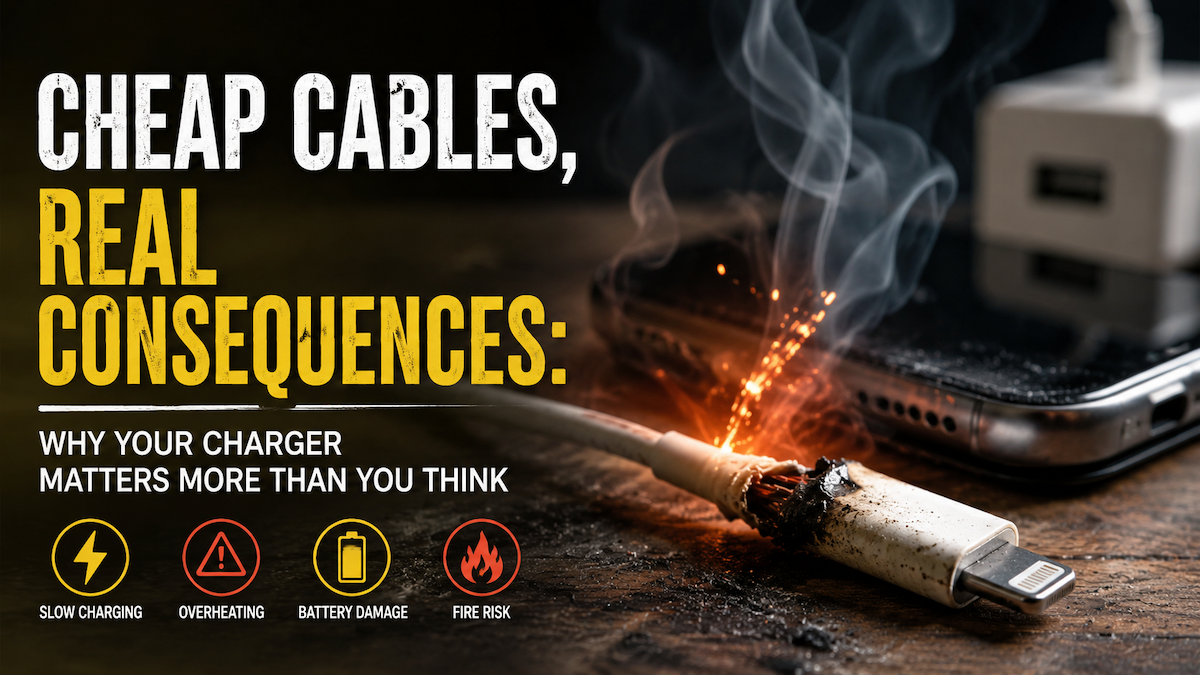
Cheap, uncertified cables and wall adapters simply do not do that. They cut corners on the components that regulate power delivery. The result can be anything from slower-than-expected charging to voltage spikes that silently degrade your battery over time. In more serious cases, inconsistent power delivery can corrupt data, cause unexpected shutdowns, or damage charging ports — repairs that often cost more than a new device.
Your battery is particularly vulnerable. Lithium-ion batteries are sensitive to how they’re charged. Cheap adapters that don’t properly regulate output can cause your battery to age faster, losing capacity sooner than it should. For a $1,200 iPhone or a $2,500 MacBook Pro, that’s an expensive lesson learned from a $7 shortcut.
The Safety Issue Nobody Talks About
Beyond device damage, cheap chargers pose a genuine physical safety risk. Reputable chargers are built with internal protections — surge protection, thermal cutoffs, and insulation standards that prevent overheating. Counterfeit and ultra-cheap alternatives routinely skip these safeguards.
The result? Chargers that overheat. Chargers that have been linked to electrical fires. There are many documented cases of cheap charging bricks causing house fires, and the Consumer Product Safety Commission issues recalls on counterfeit charging products regularly. This is a well-documented pattern that consumer safety agencies have tracked for years.
If you’re charging your phone on your nightstand while you sleep, or leaving a laptop plugged in at the office overnight, the charger you’re using deserves serious consideration.
The Environmental Cost
Here’s the angle that often gets missed: cheap chargers are an environmental problem .
Quality chargers from reputable manufacturers are built to last. A genuine Apple charger or a certified third-party alternative like Anker or Belkin is designed for thousands of charge cycles. A cheap, uncertified cable typically starts fraying within weeks and fails entirely within months.
That means more cables in landfills, more plastic waste, and more demand for the mining of raw materials used in electronics manufacturing. Buying cheap and replacing often is, counterintuitively, far worse for the environment than spending more on something built to last.
What to Use Instead
The good news is that you don’t have to buy directly from Apple to get a safe, high-quality charger. The MFi certification program exists specifically to validate that third-party accessories meet Apple’s standards for safety and performance. Brands like Anker, Belkin, and Nomad produce excellent, certified cables and adapters at reasonable prices.
Look for “MFi Certified” on the packaging. If you don’t see it, or if the price seems too good to be true, trust that instinct — it usually is.
The Bottom Line
Your iPhone, iPad, and MacBook are significant investments. Protecting them with a quality charger isn’t an upsell — it’s basic maintenance. The few dollars you save with a cheap cable aren’t worth the battery degradation, the potential device damage, or the very real safety risks that come with it.
When in doubt, buy quality, buy certified, and buy once.
Not Sure What to Buy? We You Covered.
Sorting through cables, adapters, and certifications can be surprisingly confusing — and the wrong choice can cost you far more than the price difference. At The MacMentor, we recommend only certified, tested accessories that we trust with our own devices. Whether you need a replacement cable, a travel adapter, or a complete charging setup for your home or office, we’ll point you in the right direction.
Stop by our Highland Park location or visit TheMacMentor.com — we’re happy to help you protect the devices you depend on every day.