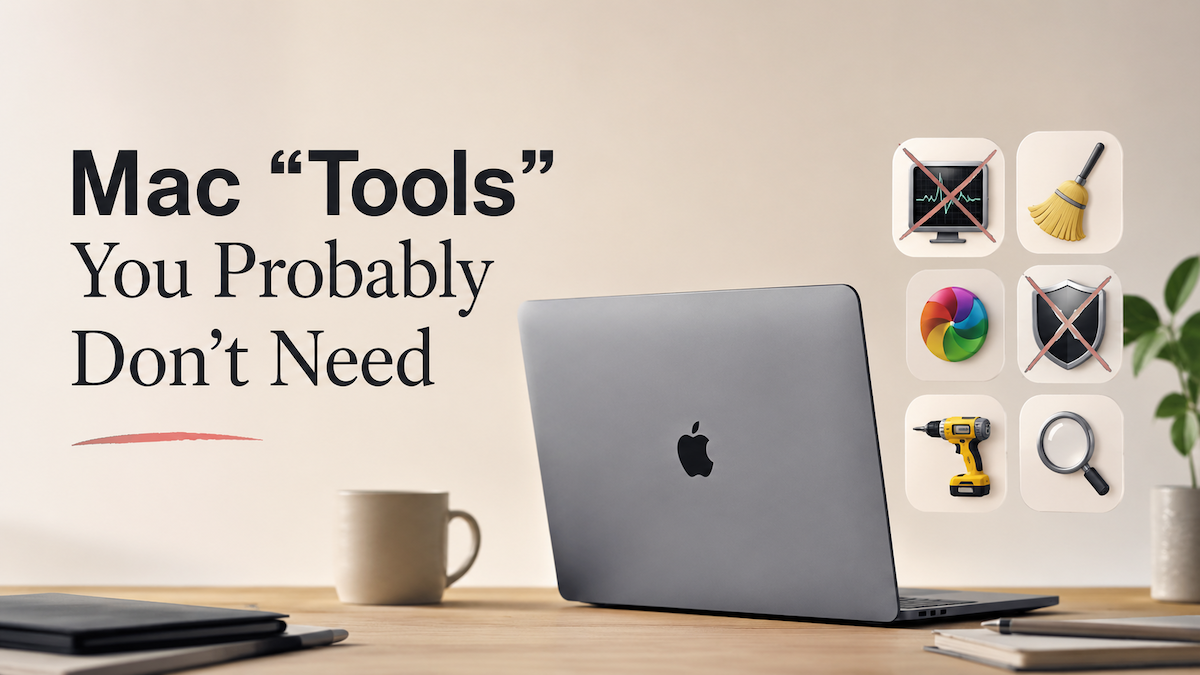
Mac "Tools" You Probably Don't Need
There's a whole category of Mac apps that brand themselves as essential tools, utilities, or optimizers — but most of them either duplicate something macOS already handles well, or solve a problem that doesn't really exist.
If you've ever wondered whether you actually need that cleaner app nagging you from the menu bar, here's an honest rundown.
"Cleaner" and "Optimizer" Apps
These apps promise to sweep away junk, free up space, and make your Mac feel new again. Reality, they mostly clear out files macOS would have managed on its own.
• CleanMyMac X — This app is the poster child of the category, because macOS already handles cache management, and aggressive "cleaning" can occasionally break apps. The junk files it claims to find are often things the system clears anyway.
• MacKeeper — This is my least favorite of apps, as it is notorious for aggressive marketing, dubious value, and being INCREDIBLY hard to uninstall. Avoid.
• MacBooster, Mac Cleaner Pro, Advanced Mac Cleaner — Same playbook as MacKeeper, just different names.
• Onyx — This one is actually legitimate and free, but the average user doesn't need it. macOS runs its own maintenance scripts automatically in the background.
"Memory" or "RAM" Tools
Examples: Memory Clean, FreeMemory, iBoostUp.
For the last few years, macOS manages RAM dynamically and does it well. "Freeing" RAM manually can actually hurt performance because it forces the system to reload data it had intentionally cached for speed.
"Antivirus" Suites
Examples: Norton, McAfee, Avast for Mac.
As I’ve mentioned to you all, your Mac has built in Anti-Virus software, XProtect and Gatekeeper that covers any realistic threat for most users. Third-party antivirus slows the machine down more than it protects it. The one reasonable exception, which I’ve pointed out many, many times is Malwarebytes, which can be run as an occasional scanner — it’s not needed as an always-running tool.
"Uninstaller" Apps
Examples: AppCleaner, App Uninstaller, CleanMyMac's uninstaller.
AppCleaner (free) is fine and lightweight, but the truth is: dragging an app to the Trash leaves behind only small preference files. Definitely not worth a paid subscription.
"Duplicate Finder" Tools
Examples: Gemini 2, Duplicate File Finder Pro.
Useful once in a blue moon, but rarely worth a paid license. Finder's Smart Folders can handle most of what you'd actually need.
"Startup Managers"
There are various login-item managers which promise to control which apps launch at startup.
You already have that control: System Settings → General → Login Items. Everything's right there, built into System Settings.
"Battery Health" Apps
There are various "battery doctor" apps that claim to monitor and protect your battery.
macOS shows battery health directly under System Settings → Battery. Most third-party apps simply just repackage that same information with a prettier interface.
The Honest Rule of Thumb
Again, something I’ve stressed, if a third party Mac app's pitch is "your Mac is slow / cluttered / unsafe — and you need us to fix it," it's almost always selling you a problem rather than solving one.
The genuinely good and useful third-party utilities — Alfred, Raycast, Rectangle, BetterTouchTool, 1Password, Bartender — don't market themselves that way. They add capability rather than promising to rescue you from something that isn’t a real issue/problem, and right there, that's the tell. Tools that earn their place do a specific job well. Tools that don't are usually selling fear.
Have questions about your setup or want recommendations for utilities that are actually worth installing? Reach out anytime — happy to help.